Customize Microsoft Teams Meeting Invitations

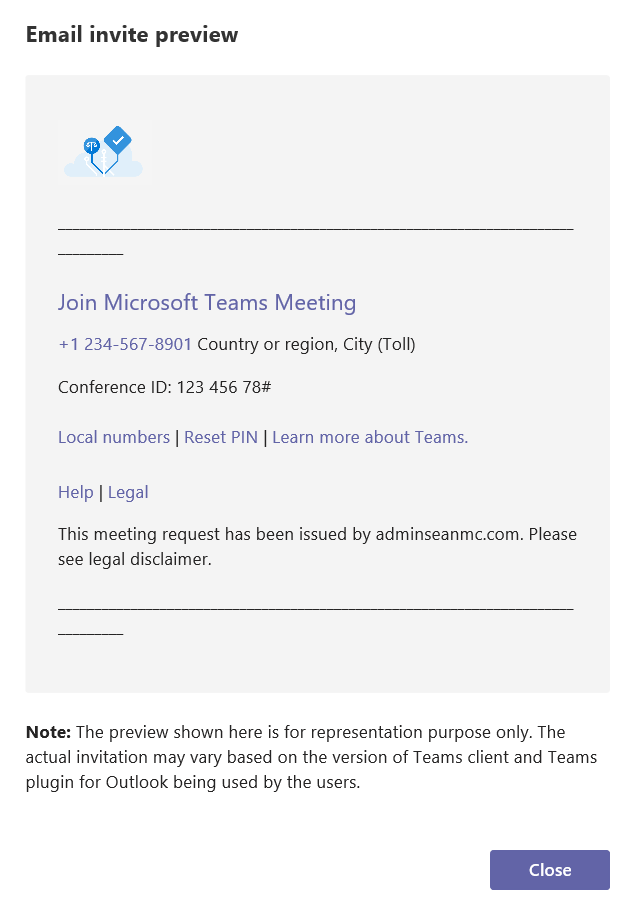
Something I find that is missed in a lot of organizations is the branding features available in Microsoft 365. Branding is a really nice feature for users to see when logging into to cloud services, we also tend to not realize the security benefits of having appropriate branding on our sign-in page etc. When we …

Continue reading Customize Microsoft Teams Meeting Invitations

Microsoft Teams Meeting Recordings Moving to OneDrive and SharePoint

Microsoft Teams recordings are a great feature for when people miss meetings and need to catch up, or when they just need to review the content. We've used them in the past for technical demos and project handovers. Recordings were were, until now, saved into Microsoft Stream and available to view in the Stream app. …

Continue reading Microsoft Teams Meeting Recordings Moving to OneDrive and SharePoint

eDiscovery Functionality Moves to Microsoft 365 Compliance Center

eDiscovery and content search has been a staple of Microsoft 365 compliance since the early days of Office 365. Providing extremely flexible and efficient searching and actioning of data that resides anywhere in Microsoft 365, it has improved over time with a lot of extra functionality and is one of the most widely used compliance …

Continue reading eDiscovery Functionality Moves to Microsoft 365 Compliance Center

Using Graph API in PowerShell Example – OneDrive File Structure Report

Due to an issue on a file migration, I recently had a requirement to compare source and destination OneDrive structures. The easiest way I could come up with to do this was to use Graph API to expand the folder structure and export to CSV. I've always been a big PowerShell users so that is …

Continue reading Using Graph API in PowerShell Example – OneDrive File Structure Report

Office 365 Outlook Insider Build – ‘Pin Email’ Feature

On my personal laptop, I run the Office Insider Build so that I can assess new features before they come into production. One of the cool new features that has been released to Beta recently is the ability in Outlook to Pin an email. If you're anything like me you can spend hours sifting through …

Continue reading Office 365 Outlook Insider Build – ‘Pin Email’ Feature

SharePoint Syntex – Unlocking The Power Of Your Data with a Document Understanding Model

At Ignite 2019, Microsoft announced an ambitious new addition to the Microsoft 365 platform - Project Cortex. Cortex promised to bring the powerful AI features available in Azure to Microsoft 365, aiming to provide some really powerful automation and data insights. A year on and Microsoft have carried out private previews of Cortex and have …

Continue reading SharePoint Syntex – Unlocking The Power Of Your Data with a Document Understanding Model

Quick and Easy Exchange Online Mailbox Permissions Report

Over the years, I've built up a library of handy PowerShell scripts which I am reviewing now to update for different additional functionalities and see where I can improve them. While doing that, I thought I'd share some of them. I've updated this script to use the new,  faster, Graph based EXO cmdlets. The script …

Continue reading Quick and Easy Exchange Online Mailbox Permissions Report

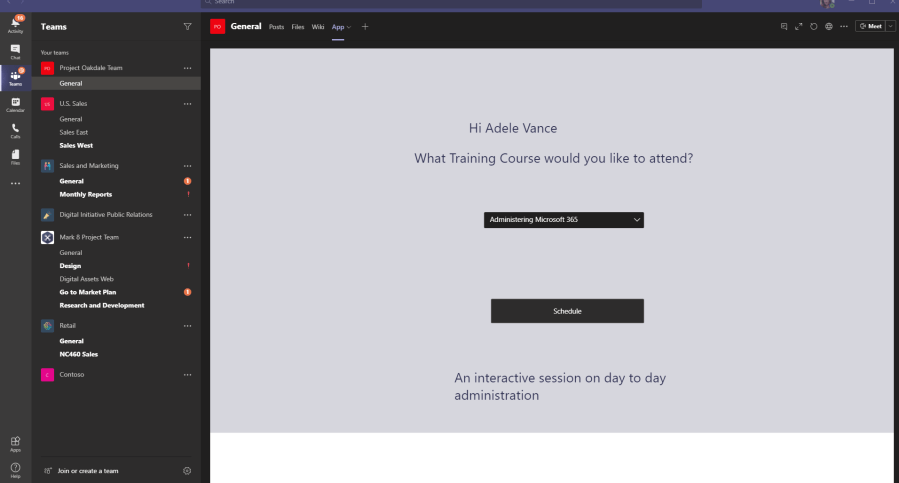
Project Oakdale (Preview) – Bringing the Power Platform into Microsoft Teams

With the massive rise in Microsoft Teams usage in the past year, Microsoft are really investing in making it the market leader for productivity. New features were deployed rapidly to help organizations deal with enforced remote working scenarios and they are still being released at an amazing pace. One of the more exciting features that …

Continue reading Project Oakdale (Preview) – Bringing the Power Platform into Microsoft Teams

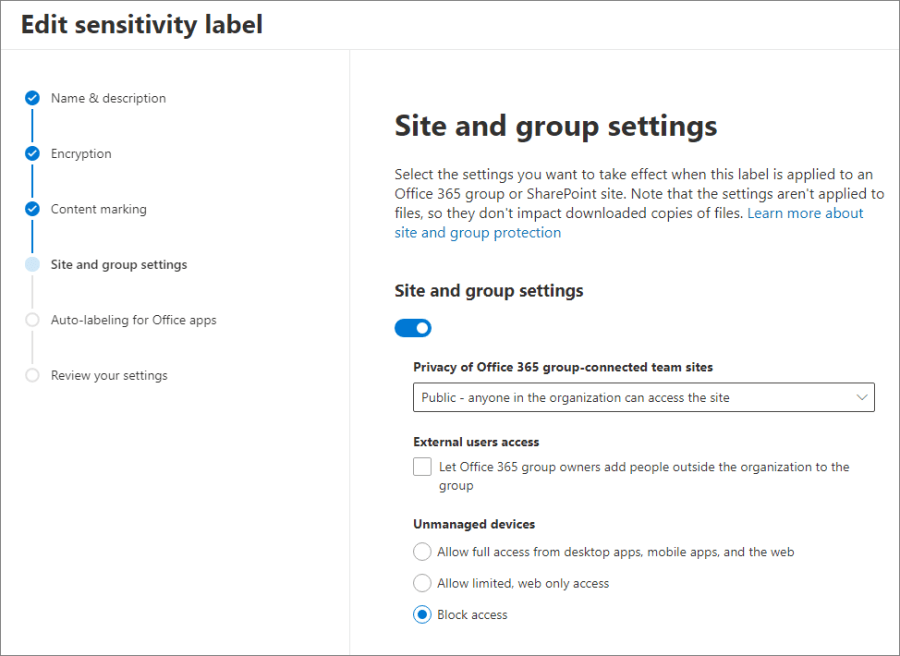
Protecting Office 365 Groups and Microsoft Teams with Sensitivity Labels (Preview)

I often end up in one of two conversations around Microsoft Teams governance with customers, the "Users can manage them themselves so we don't need to worry" group, and the "Nobody gets a Team unless we follow this 20 step approval process and our service desk needs to set them up and lock them down" …

Continue reading Protecting Office 365 Groups and Microsoft Teams with Sensitivity Labels (Preview)

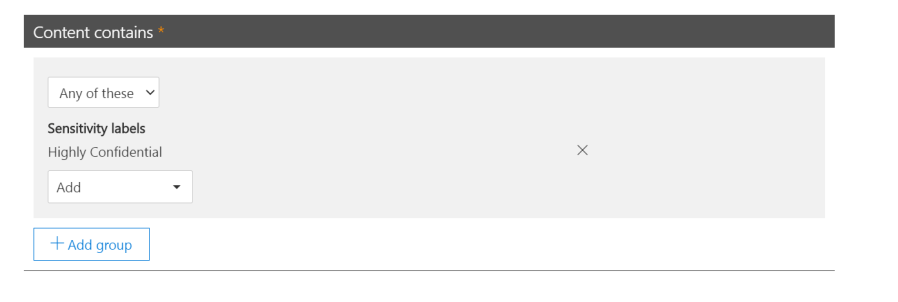
Using Sensitivity Labels as Conditions in DLP Policies (Preview)

Sensitivity Labels have quickly become a core component of any Enterprise level Microsoft 365 tenancy. Information Governance is becoming more and more relevant in the Cloud space where we potentially have a enormous amount of disparate unstructured data in various Teams, SharePoint Sites, OneDrive etc. Depending on the license SKU, Sensitivity labels can allow manual …

Continue reading Using Sensitivity Labels as Conditions in DLP Policies (Preview)